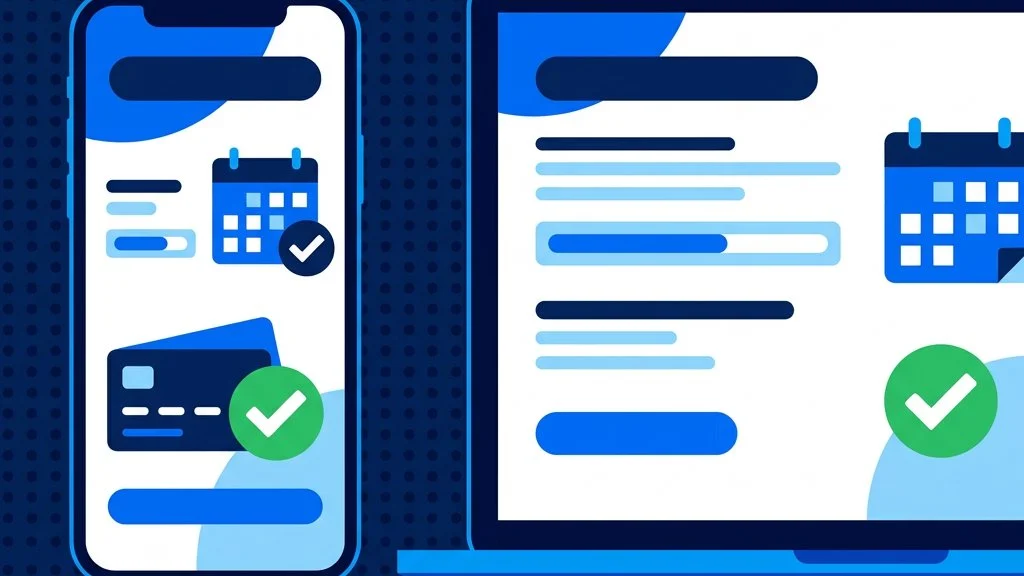
Taking self-storage bookings and payments directly on your own website turns it from a brochure into a sales channel that works around the clock. Instead of fielding calls and chasing paperwork, you let customers reserve a unit, pay and move in online. This guide covers what a proper self-storage booking system needs to do, where most operators fall short, and how to add one without rebuilding your site.
Expectations have shifted. People book hotels, holidays, tradespeople and restaurant tables online without thinking twice. When they search for storage and land on a site that asks them to call during office hours, or fill in a contact form and wait, many will move on to a competitor who lets them complete the transaction immediately.
The impact is measurable. A meaningful share of storage searches happen in the evening and at weekends, outside the hours most facilities are staffed. Every enquiry that arrives during those windows and requires a human response before a booking can proceed is a booking at risk. An online booking system captures that demand automatically.
Not all booking systems are the same. A properly built one covers each stage of the customer’s journey without requiring manual intervention from your team.
Customers should only ever see units they can actually take. A static unit list that is updated by hand will inevitably fall behind, leading to enquiries about units that have already been let and conversations that waste everyone’s time. Live availability means the moment a unit is reserved or occupied, it disappears from the available list for the next visitor.
Show the price, including any introductory offer, before the customer reaches the checkout. Hidden fees and “call for pricing” prompts reduce conversion. A customer who has already decided on a unit and is then surprised by an administration fee or a required insurance add-on will often abandon rather than continue. Transparency at the browsing stage means fewer drop-offs at checkout.
The reservation form should capture only what you genuinely need at this stage: a name, contact details, and the unit. Access requirements, emergency contacts and additional documents can be collected after the booking is confirmed. Every extra field in a reservation form reduces completion rates.
Storage is a recurring product. Your payment setup should collect the first month and then bill automatically each month thereafter. Manual invoicing at scale is expensive in time and prone to missed payments. Recurring billing also means you can offer an introductory first-month rate without creating a collections problem in month two.
A failed payment handling process matters too. A system that automatically retries a failed card, notifies the customer, and escalates if payment is not resolved protects your revenue without requiring someone to chase it by hand.
The moment a booking completes, the customer should receive a confirmation email with everything they need: their unit details, access information, and what happens next. An immediate confirmation reduces inbound calls from customers checking whether their booking went through, and it sets a professional tone from the first interaction.
The most common failure points in self-storage booking flows are worth understanding, because they tend to appear even on sites that look polished.
Most general-purpose website booking plugins are built for appointments or one-time purchases, not for a product that bills monthly until the customer decides to leave. A storage-specific system needs to handle:
Getting this wrong creates either a revenue leakage problem or a significant admin overhead, often both.
If you run on Stora, you do not need a bespoke build. Amax Connect adds live unit availability and a complete booking and payment flow to your existing WordPress site, with all the recurring billing handled through Stora. Customers book on your domain, the experience feels like one continuous site, and everything stays in sync with your Stora back office. See the full feature list for what is included.
The goal is a path with as little friction as possible: a visitor lands on a unit listing, sees it is genuinely available, reserves it, pays and receives confirmation, all without a phone call or a manual step from your team. The more of that journey you can handle automatically on your own site, the more bookings you capture, including the ones that arrive at 11pm on a Sunday.
Take a look at a working example on the live demo, or book a walkthrough to see it with your own units and pricing.
Amax Connect puts your live Stora availability and prices straight onto your site, with bookings and payments built in. Take a look, or let us walk you through it.